Fare-price dashboard · 08 / 09
Berniq
An Arabic, right-to-left dashboard where admins manage ticket fares and staff search and copy them in one click.
- Role
- Solo developer
- Year
- 2026
- Status
- Shipped
- Platform
- Web
Overview
The project.
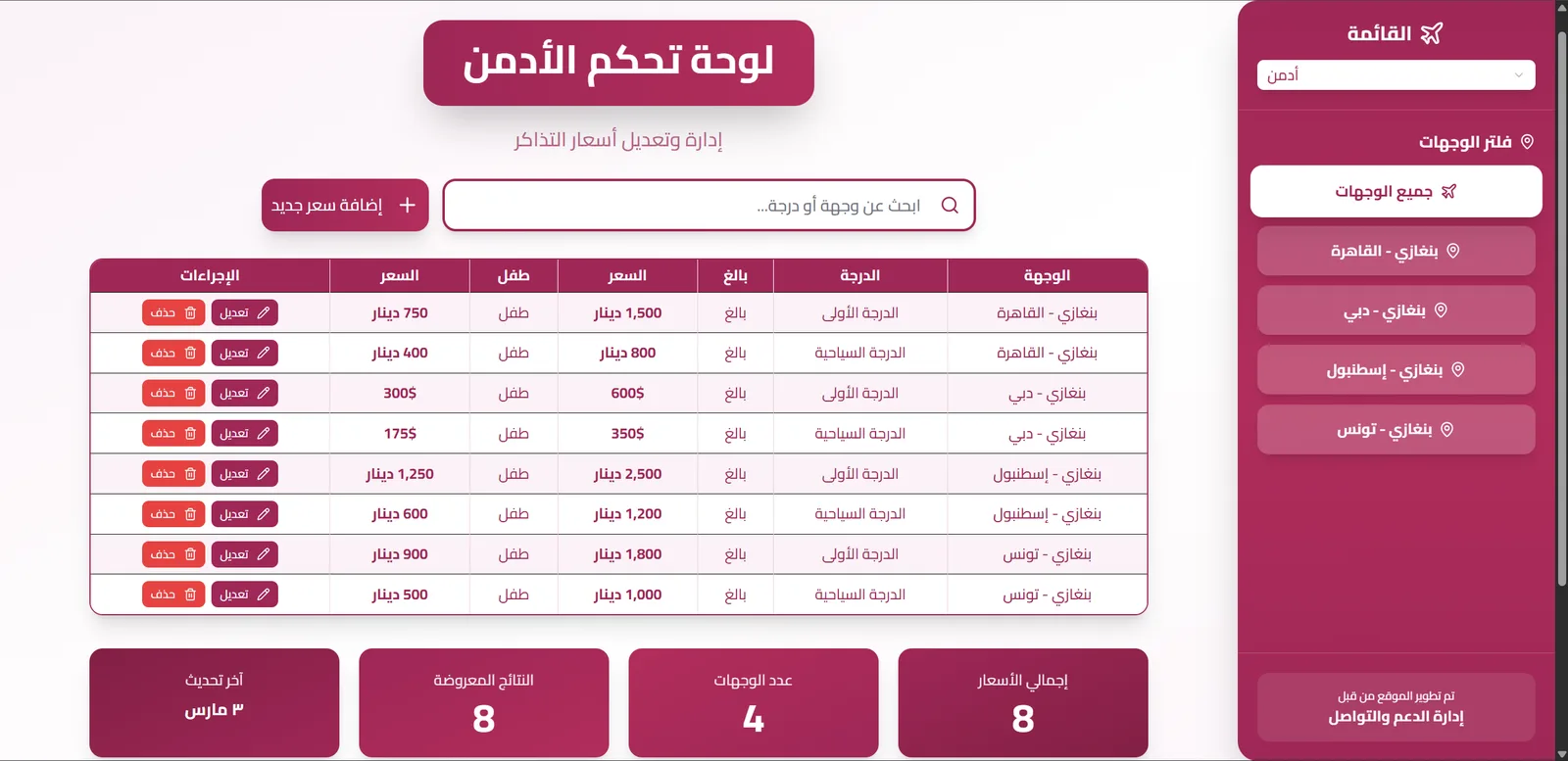
Berniq keeps ticket fares for every route and class, adult and child, in dinar or US dollars, in one place. Admins maintain the prices, call-centre staff quote them quickly, and a read-only view serves everyone else.
It is a full-stack TypeScript and Node.js app with an Arabic right-to-left interface, deployed as a single Render service with a Neon PostgreSQL database.
The problem
Fares were hard to keep consistent: admins needed one place to update prices, and call-centre staff needed to find and quote the right one fast.
My solution
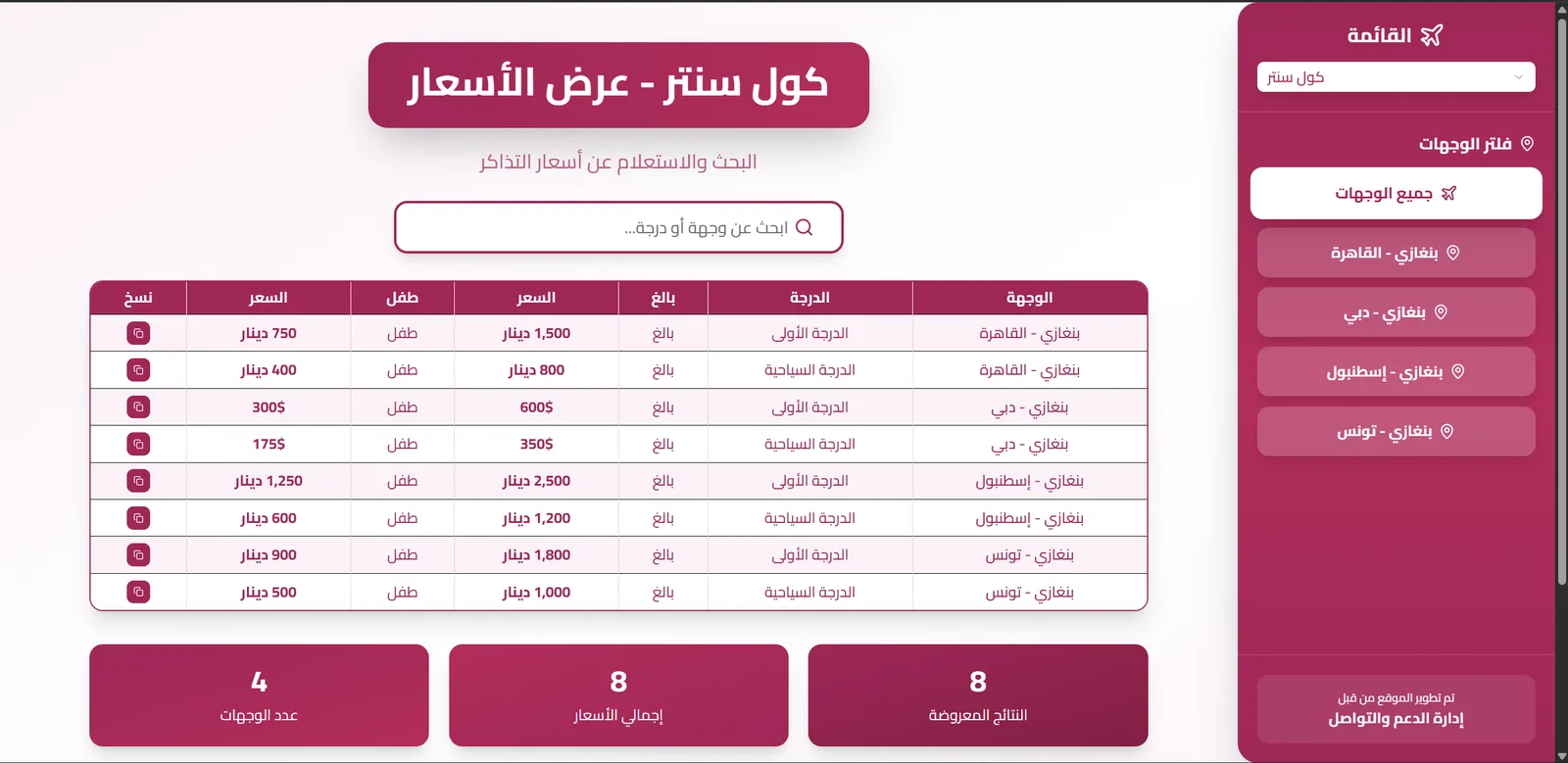
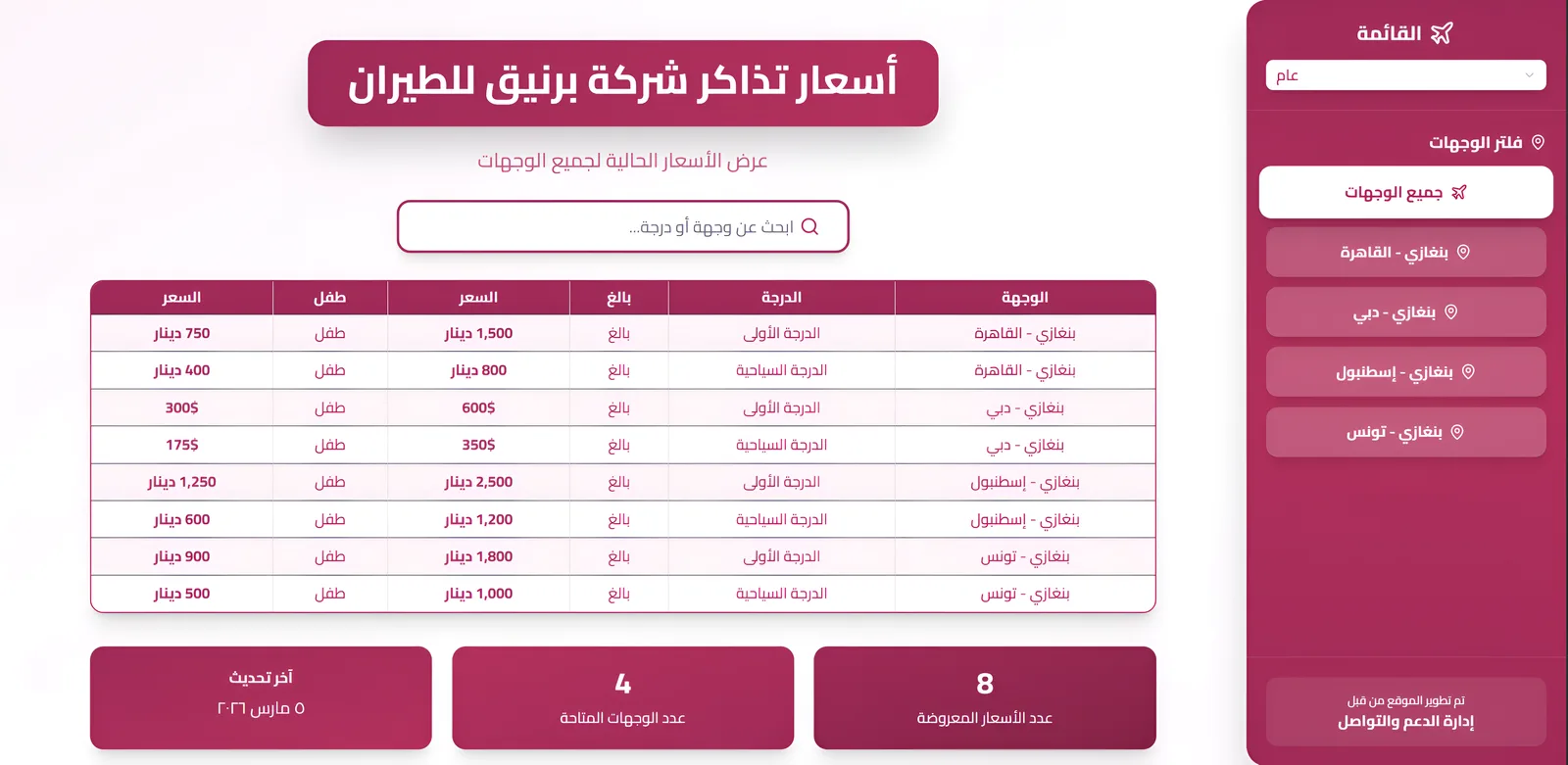
One PostgreSQL table of fares behind an Express API, with three views on top: an admin dashboard for edits, a call-centre view with one-click copy and a read-only public view.
What it does
Key features.
- 01
Fare table
Destination, class, adult and child price, and currency, with search and a destination filter.
- 02
Admin editing
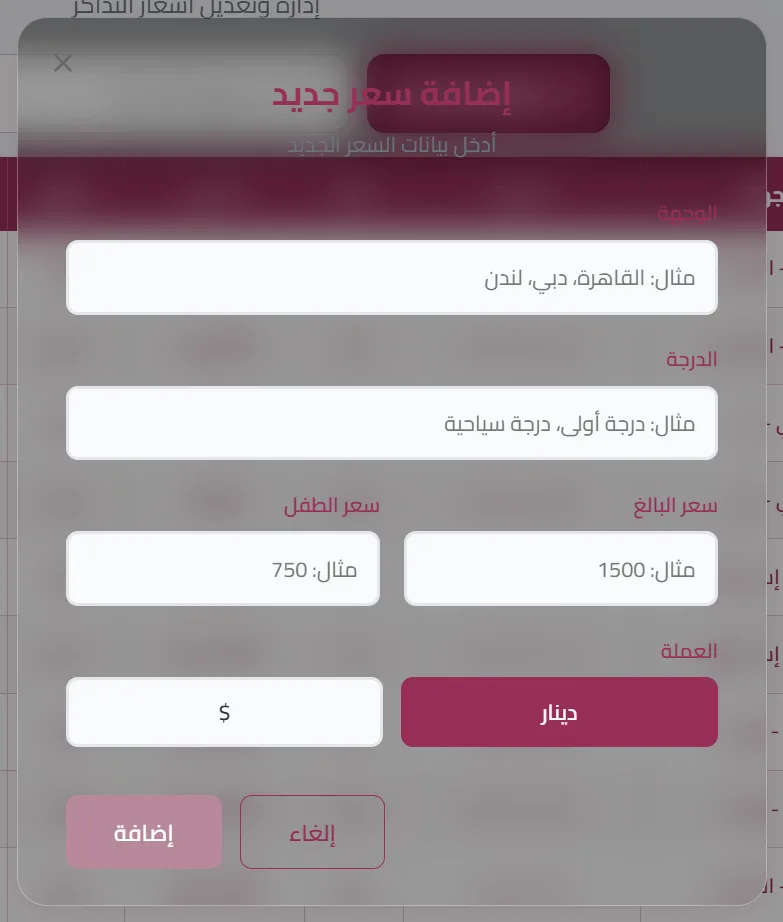
Add, edit and delete fares in modal forms, saved through admin-only endpoints.
- 03
One-click quoting
The call-centre view puts a copy button on every row for quoting a price instantly.
- 04
At-a-glance stats
Total fares, destinations, results shown and last update for each view.
- 05
Baggage allowances
A panel listing the baggage allowance for each fare class.
- 06
User management
A searchable, sortable users table for admins, built with TanStack Table.
Interface
Screens from the real app.
Under the hood
How it's built.
Architecture and the engineering decisions behind it.
01
One service on Render
The build installs the backend, generates the Prisma client, syncs and seeds the database, then builds the Vite app. In production Express serves both /api and the built SPA.
02
Token auth with role guards
Login checks a bcrypt hash and returns a 7-day JWT sent as a Bearer token. Middleware verifies it, and fare changes and user routes require the admin role.
03
Typed data layer
Prisma models for users and fares on PostgreSQL. The React client uses Zustand stores, SWR and React Hook Form with Zod validation.
Problems solved
Technical challenges.
Building a two-package app on Render
In production mode the frontend install skipped dev dependencies, so Vite and TypeScript were missing. The build now enables them only for the frontend install while Express still runs in production.
Production configuration
The database is seeded during the build, and a Prisma config file was removed so Prisma reads the real production environment.